
“`html
How to Process Photos with HDR
High Dynamic Range (HDR) photography is a technique that has taken the world of imaging by storm. Whether you are a budding photographer or a seasoned professional, understanding how to process photos using HDR can significantly enhance the final outcome of your images. In this comprehensive guide, we’ll delve into the essentials of HDR, the requirements for getting started, camera settings you need to be mindful of, and techniques using both single and multiple images. Additionally, we’ll explore the benefits and potential pitfalls of HDR. Before diving in, it’s crucial to understand how to balance creativity with technical precision, to avoid common mistakes and fully leverage HDR to its best potential. Now, let’s embark on this journey to mastering HDR imaging.
What is HDR?
High Dynamic Range (HDR) is a technique used in photography to reproduce a greater range of luminosity than what regular digital imaging techniques allow. This method captures details from the darkest and lightest parts of a scene and combines them into one image. Traditionally, cameras can only capture a limited dynamic range, resulting in either washed-out highlights or loss of detail in shadows.
By merging photos taken at different exposures, HDR aims to reflect the scene closer to how it is perceived by the human eye. In essence, HDR photography ensures that the full spectrum of light within a scene is captured, producing a balanced and detailed final image. This technique is particularly useful in situations where there is a stark contrast between light and dark areas, such as sunsets or interiors with bright windows.
HDR Requirements
To execute HDR photography effectively, you need specific tools and conditions. First and foremost, having a camera capable of shooting in manual or exposure bracketing mode is essential. These modes allow you to take multiple shots with different exposure settings. A tripod is also highly recommended to ensure that each frame is aligned correctly, minimizing movement between shots.
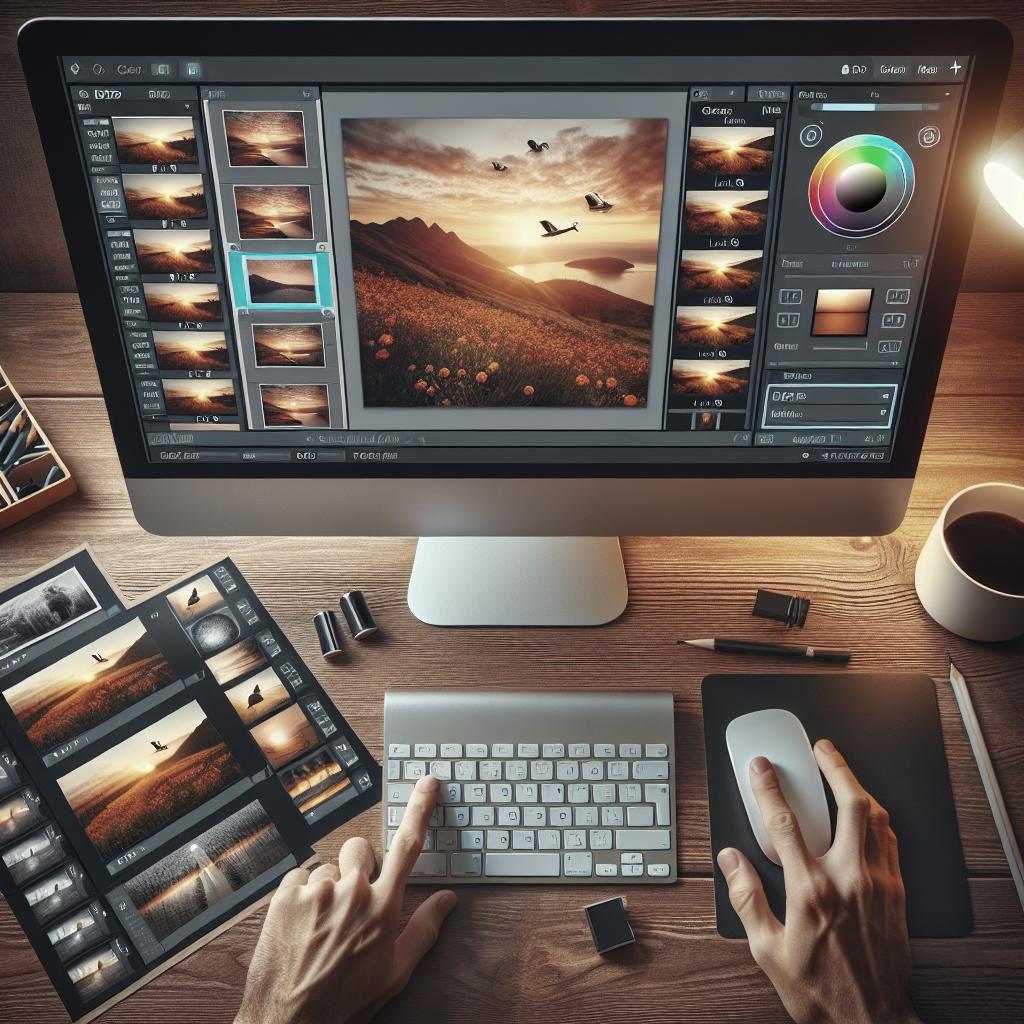
HDR software is another requirement. Programs like Adobe Lightroom, Photomatix, or HDR Efex Pro facilitate the blending of multiple exposures. Additionally, some advanced smartphones now have built-in HDR capabilities, although these may not provide the same quality as dedicated camera software. It’s also important to understand and control your camera’s settings for optimal results.
Camera Settings
When engaging in HDR photography, adjusting your camera settings is crucial to capture extensive dynamic ranges. Start with setting your camera to aperture priority mode, which allows you to lock the aperture for consistent depth of field across your shots. Choosing a low ISO setting, like ISO 100 or 200, minimizes noise in your images, which is vital since noise can become prominent during HDR processing.
Utilizing exposure bracketing is the main technique in HDR. Set your camera to take around 3 to 5 bracketed shots with varying exposures, typically one balanced exposure, one underexposed, and one overexposed shot. The variance depends on the scene’s dynamic range, sometimes necessitating a wider range with more shots. Remember to keep your camera still, often using a remote shutter or timer to avoid movement.
HDR Photography Using a Single Image
While HDR typically involves multiple exposures, it is possible to create an HDR-like effect from a single RAW image. RAW files contain more data than JPEGs, which allows for greater flexibility in post-processing. Using software like Adobe Photoshop or Lightroom, adjustments can be made to shadows and highlights to simulate the HDR effect.
This method is particularly beneficial in situations where multiple exposures are not possible due to motion or other constraints. However, the dynamic range achieved may not match that from processing multiple exposures. Despite this limitation, working with a single image can still significantly enhance the depth and detail in your photos when executed well.
HDR Photography Using Multiple Images
Traditionally, HDR photography involves combining several images taken at different exposures. This method maximizes dynamic range by ensuring that highlights and shadows are well-represented. In post-processing, these images are merged using HDR software, resulting in a final image with even lighting and balanced colors throughout.
Capturing multiple images requires attention to detail when setting up your shots. Ensure the camera remains stable to prevent misalignment. When merging, take advantage of software settings to adjust ghosting, tone mapping, and color balance to enhance the natural look or creative expression of your photos. This approach is ideal for stationary subjects and dramatic landscapes.
HDR Use and Abuse
HDR offers a creative boost to photography, transforming dull scenes into vibrant, visually appealing ones. However, HDR is often criticized for being overused to the point of creating artificial-looking images. To avoid this pitfall, strive for a natural look by moderating adjustments and avoiding excessive saturation and contrast enhancements.
Understanding when and how to use HDR effectively is critical. Ideal situations include high-contrast scenes, such as cityscapes at dusk or interiors with bright sunlight pouring in through windows. Misuse of HDR can lead to unrealistically vivid colors or halos around objects, detracting from the photo’s realism and viewer engagement. Ultimately, a judicious approach to HDR editing will enhance your images while maintaining authenticity.
Related Articles
- Understanding Exposure: A Beginner’s Guide
- Photo Editing Basics: Tools and Techniques
- Mastering Aperture Sizes: The Key to Stunning Photos
Lessons Learned
| Section | Key Points |
|---|---|
| What is HDR? | A technique to capture a greater range of luminosity, creating balanced images. |
| HDR Requirements | Essential tools include a capable camera, tripod, and HDR software. |
| Camera Settings | Using aperture priority and exposure bracketing is crucial for HDR photography. |
| HDR Using Single Image | Simulate HDR from a single RAW file for scenes with motion constraints. |
| HDR Using Multiple Images | Combining several exposures captures maximum dynamic range. |
| HDR Use and Abuse | Avoid overdoing HDR edits; aim for natural enhancement. |
“`
