
“`html
Creating Cinemagraphs: A Step-by-Step Guide
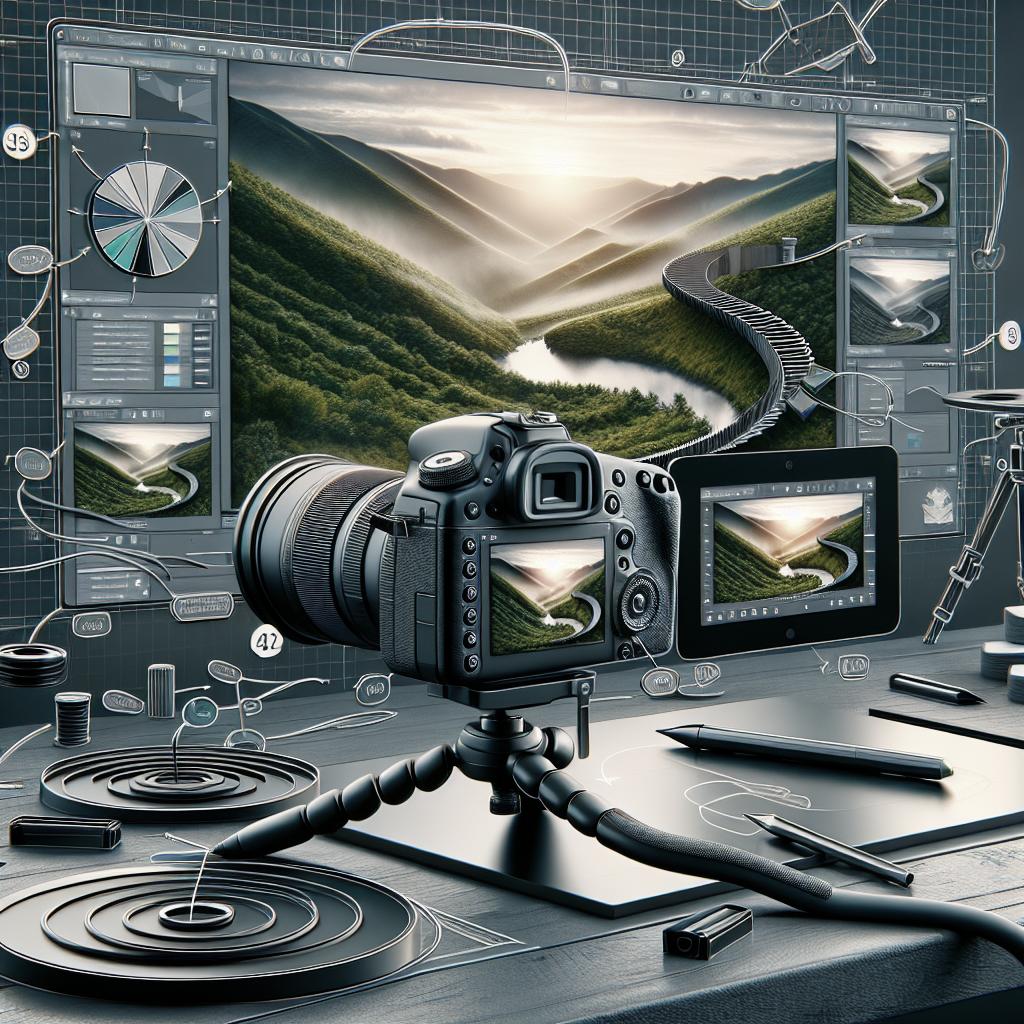
Cinemagraphs are captivating visual media that blend the dynamic motion of video with the static nature of photographic imagery. This blog post offers an overview of cinemagraphy, delving into its creation process using Photoshop, exploring various types, uses, benefits, and limitations. Additionally, we will showcase examples of this fascinating medium and provide answers to common questions about creating cinemagraphs. Whether you’re an aspiring photographer or a seasoned creative, understanding cinemagraphs will enhance your digital storytelling toolkit and offer new ways to captivate audiences.
What is Cinemagraphy?
Cinemagraphy combines elements of both photography and videography to create an image that appears primarily static but includes subtle areas of movement. This unique convergence creates a mesmerizing visual effect that draws in viewers, keeping their attention focused on the image in front of them. Unlike traditional videos or GIFs, cinemagraphs are designed to offer an elegant, seamless loop of motion within an otherwise still photograph.
These silent, looping images have become increasingly popular in digital media, rightfully earning their unique place in the visual storytelling toolkit. By artfully emphasizing a single motion while freezing the rest of the frame, cinemagraphs evoke an almost hypnotic effect that can captivate and engage audiences across various platforms.
How to Create a Cinemagraph
Creating a cinemagraph involves a process that balances technical skills with creative intuition. At its core, the creation of a cinemagraph requires the isolation and looping of a specific movement within a video clip while keeping the rest of the frame static. Achieving a high-quality cinemagraph demands meticulous attention to detail and skill in editing and masking techniques.
One of the most familiar methods used by creators is the Photoshop method. By leveraging the powerful tools available in Adobe Photoshop, creators can edit, mask, and refine images to achieve the perfect balance of motion and stillness. In this article, we walk through the process using Photoshop, focusing on crucial steps needed to produce a seamless and awe-inspiring cinemagraph.
The Photoshop Method
Adobe Photoshop offers a robust platform for creating cinemagraphs, thanks to its versatile editing features and support for video layers. By utilizing these capabilities, we can effectively extract movement from videos and mask areas to create impressive and professional-looking cinemagraphs. The Photoshop method excels in offering precision and control, allowing users to finely tune each layer and movement.
The general workflow involves importing your chosen video clip, identifying the segment of motion to highlight, and applying careful masking to achieve a clean, looping visual effect. Let’s delve deeper into the specific steps involved in creating cinemagraphs using this method, ensuring you have a comprehensive understanding of the process.
Steps to Create Cinemagraphs
1. Capture or Select Footage:
The journey begins with capturing or selecting the right footage. A successful cinemagraph often starts with footage that contains easily discernible and repetitive motion within a static frame. Popular examples include flowing water, blowing leaves, or a fluttering piece of fabric. If you’re planning to capture your footage, use a tripod for stability and shoot in controlled lighting conditions.
Your chosen footage should be high-resolution, as clarity and detail are essential to maintaining quality once editing begins. Moreover, the length of the footage should allow for a seamless loop, meaning any visible changes or disturbances should be limited to maintain a smooth visual flow.
2. Edit the Video
Once you have your footage, the next step is to edit the video by trimming it down to focus on the key motion. This involves carefully selecting the segment that you wish to loop. Use video editing software to trim off unwanted sections and maintain the integrity of the intended loop.
Editing also includes adjustments to the video’s speed and color, ensuring it fits the desired aesthetic and maintains harmony with the still parts of the image. Users may also apply stabilization techniques to eliminate any shakiness or movements that could disrupt the seamless transition between loops.
3. Convert to GIF or Video Loop
After the footage is refined, convert it into a format suitable for a cinemagraph, such as a GIF or a video loop. Converting to a GIF is particularly helpful because it allows easy sharing across platforms while maintaining continuity in the loop. On the other hand, using a video format can support higher resolution and longer motion segments.
This also involves choosing an optimal frame rate to ensure smooth playback. Aim for a seamless loop where the beginning and end connect without noticeable jumps or breaks, enhancing the hypnotic effect of the cinemagraph.
4. Masking and Layering
Masking and layering are foundational processes in creating cinemagraphs. Using Photoshop, import your video file and convert it into a sequence of layers. Mask the parts of the frame you want to remain static while ensuring that the movement you want to highlight is left untouched.
This step involves adding a layer mask to visually isolate the desired motion. Precision is key as any flaws in masking can disrupt the viewer’s experience, highlighting editing defects instead of emphasizing the cinemagraph’s artistic intent.
5. Refinement
At this point, refinement ensures the quality and effect of your cinemagraph. Examine details such as color grading, ensuring consistency between moving and static areas, and adjust brightness and contrast to add depth and vibrancy.
Users may also apply fine-tuning techniques like feathering mask edges to ensure smooth transitions between static and dynamic elements. This step is crucial for eradicating any unwanted artifacts and optimizing the image for its intended display resolution.
6. Export and Share
Finally, export your cinemagraph in the desired format and resolution. In Photoshop, save the file as a GIF or a video file, choosing a suitable compression level that balances quality with load times, ensuring it remains accessible across different devices and platforms.
Once exported, share your cinemagraph across social media, websites, or digital displays. The goal is to leverage their enchanting quality to engage audiences while enhancing the visual storytelling of your content.
Types of Cinemagraphs
1. Nature Cinemagraphs
Nature cinemagraphs capture the serene, rhythmic beauty of natural surroundings. These typically involve elements like flowing water, rustling leaves, or swaying wildlife. Nature cinemagraphs have the power to evoke tranquility and fascination, offering viewers a meditative glimpse into the world’s inherent beauty.
For creators, the reward lies in their ability to merge art with nature by capturing these fleeting, elegant motions that evoke emotional responses and transport audiences to scenes of natural wonder.
2. Urban Cinemagraphs
Urban cinemagraphs depict the vibrancy and dynamism of city life, focusing on movements like bustling crowds, passing vehicles, or sparkling neon lights. These cinemagraphs vividly showcase the continuous pulse that defines urban environments, captivating viewers with scenes brimming with life.
When perfected, urban cinemagraphs can tell compelling stories about the rhythm and routine of city life or highlight specific aspects of urban architecture and culture with innovative flair.
3. Fashion Cinemagraphs
Fashion cinemagraphs are highly popular for capturing intricate design details or dynamic modeling movements. These cinemagraphs may include swirling fabrics or the glint of light reflecting off jewels, emphasizing style and elegance. For the fashion industry, cinemagraphs offer a novel way to present apparel and accessories in an engaging, captivating manner.
By artfully combining static and dynamic elements, fashion cinemagraphs bring out subtleties in design that might go unnoticed in traditional photography, adding depth and dimension to fashion storytelling.
Uses of Cinemagraphs
1. Digital Marketing
Cinemagraphs are effective tools in digital marketing, thanks to their ability to quickly captivate attention and communicate messages with style. Their unique format encourages audiences to pause and engage, making them ideal for online advertisements and social media campaigns aimed at boosting brand visibility and engagement.
Brands use cinemagraphs to create an impression and differentiate themselves from competitors, often building campaigns that leverage the surreal appeal and elegance of these visually striking images.
2. Product Promotion
In product promotion, cinemagraphs serve to effectively highlight key features or functionalities of products. By showcasing a specific element of motion within a product, such as steaming coffee or glittering new gadgets, brands can emphasize value and appeal to potential customers compellingly.
Cinemagraphs can effectively draw attention to product launches or featured items, offering an alternative to traditional product photography by adding a dynamic, seductive allure.
3. Storytelling
Storytelling benefits immensely from the narrative potential of cinemagraphs, which can convey an entire mood or emotion with barely perceptible motion. When integrated into storytelling platforms or digital magazines, cinemagraphs enhance storytelling by adding ambiance and depth to written or visual narratives.
Their semi-realistic nature allows creators to invite viewers to share in interpreting stories, leaving room for imagination while ensuring the essence of the narrative is not lost.
4. Website Design
Website design incorporating cinemagraphs offers immersive experiences that keep users engaged. Subtle motion adds intrigue and directs focus within web pages, enriching user interaction and highlighting site elements such as header images or background scenes.
Implemented tastefully, cinemagraphs can transform static web pages into interactive platforms that enhance the user experience, turning visitors into loyal audiences who associate such dynamic content with quality brands.
Benefits of Cinemagraphs
1. Attention-Grabbing
Cinemagraphs inherently capture attention with their subtle yet impactful animation. In a world of rapidly scrolling feeds and short attention spans, cinemagraphs offer a moment’s pause, allowing viewers to absorb and interact with content that stands out from static images and videos.
The seamless loop of motion ensures repeated cycles of viewer engagement, amplifying the content’s ability to communicate and evoke reactions.
2. Increased Engagement
Cinemagraphs drive increased engagement across digital platforms, fostering deeper connections with audiences who respond to their immersive quality. Whether in social media, advertising, or branding, cinemagraphs prompt users to interact, comment, and share, expanding a brand’s reach and influence.
The repetitive motion in cinemagraphs encourages multiple viewings, creating multiple opportunities for viewer interaction without needing to rewind or replay traditional videos.
3. Enhanced Brand Perception
The artistic and innovative nature of cinemagraphs can enhance brand perception, with audiences associating such high-quality, creative content with memorable and forward-thinking brands. As cinemagraphs project sophistication and cutting-edge appeal, they position brands as leaders in digital creativity and engagement.
Cinemagraphs offer brands new avenues to express their values and narratives uniquely, making them compelling alignments for brand identity and messaging strategies.
Limitations of Cinemagraphs
1. Production Complexity
The creation of cinemagraphs involves complex processes that require skillful editing and a balance between creative intuition and technical proficiency. Each step demands meticulous attention to detail and precision in implementation, from capturing and editing footage to masking and refining scenes.
For beginners especially, the learning curve can be steep, requiring dedicated time and resources to achieve professional-looking results comparable with industry standards.
2. File Size and Loading Times
Cinemagraphs, especially those with higher quality and longer loops, can have significant file sizes, impacting page load times and, consequently, user experience. This poses challenges when sharing or embedding these files into websites, necessitating balancing quality preservation and compression.
Creators must consider optimizing images without compromising their visual allure, often requiring additional post-production steps and software.
3. Limited Compatibility
Device and browser compatibility pose limitations, with some platforms better equipped than others to handle cinemagraphs. This restricts where creators can share their work, demanding consideration of target audience environments and the adaptability of chosen formats.
Additionally, not all social media platforms support GIF formats, meaning users may have to convert cinemagraphs into video formats to reach broader audiences effectively.
Examples of Cinemagraph
Examples of beautiful cinemagraphs can provide inspiration and understanding of how static and dynamic elements play off each other. Whether it’s the flicker of a candle flame amidst a lavish dining setup, the gentle eruption of fireworks over a city skyline, or a fashion model striking a pose with only their garment in motion—cinemagraphs add invisible drama and life.
Exploring works from professionals and enthusiasts can help sharpen one’s eye for opportunities where cinemagraph techniques can be applied, offering new directions in creativity and style of expression.
Summary of Main Points
| Aspect | Summary |
|---|---|
| Cinemagraphy | Combines motion and static imagery to create subtle animations within photos. |
| Creation Steps | Capture/edit footage, mask layers, refine images, export, and share. |
| Types | Nature, Urban, Fashion cinemagraphs showcase environment, lifestyle, and style. |
| Uses | Effective for marketing, promotion, storytelling, and enhancing web design. |
| Benefits | Draws attention, increases engagement, boosts brand perception. |
| Limitations | Complex to produce, size/loading issues, compatibility challenges. |
How to Create Cinemagraphs? – FAQs
How do I make a cinemagraph?
To create a cinemagraph, start by capturing a suitable video, edit it to highlight a specific motion, use Photoshop to mask and refine the static elements, ensure smooth looping, then export and share as a GIF or video.
What is a good cinemagraph?
A good cinemagraph seamlessly blends motion and stillness, artfully highlighting dynamic elements without visible edits. It should be engaging, of high quality, and perfectly looped to capture and hold the viewer’s attention.
“`
